A clean and intuitive directory structure is the foundation of any maintainable web project. While modern frontend frameworks often dictate their own opinionated architecture, structuring plain static websites (HTML, CSS, JS) requires deliberate planning to keep assets organized, URLs clean, and deployments friction-free.
High-Level Project Organization
Before diving into a specific website, keep projects categorized in dedicated workspaces by technology stack:
static-web/react/laravel/php/react-native/electron/
Keeping static websites cleanly partitioned prevents tooling conflicts and makes local development straightforward.
Recommended Static Site Directory Layout
Here is a visual overview of an ideal directory hierarchy for a multi-page static website:
my-static-project/├── .gitignore├── index.html├── assets/│ ├── css/│ │ └── style.css│ ├── js/│ │ ├── main.js│ │ └── tailwind.config.js│ ├── imgs/│ │ ├── hero.webp│ │ └── logo.svg│ ├── docs/│ │ └── specification.pdf│ └── fonts/│ └── Inter.woff2├── about/│ └── index.html├── services/│ └── index.html└── contact/ └── index.htmlStep-by-Step Architecture Guidelines
1. Consistent & Kebab-Case Directory Naming
Use all lowercase letters and hyphens (-) to separate words for both folders and files. Avoid spaces, uppercase characters, or special symbols.
- Good:
landing-page/,product-catalog/ - Avoid:
Landing Page/,product_catalog_v2/
2. Visualize in VS Code
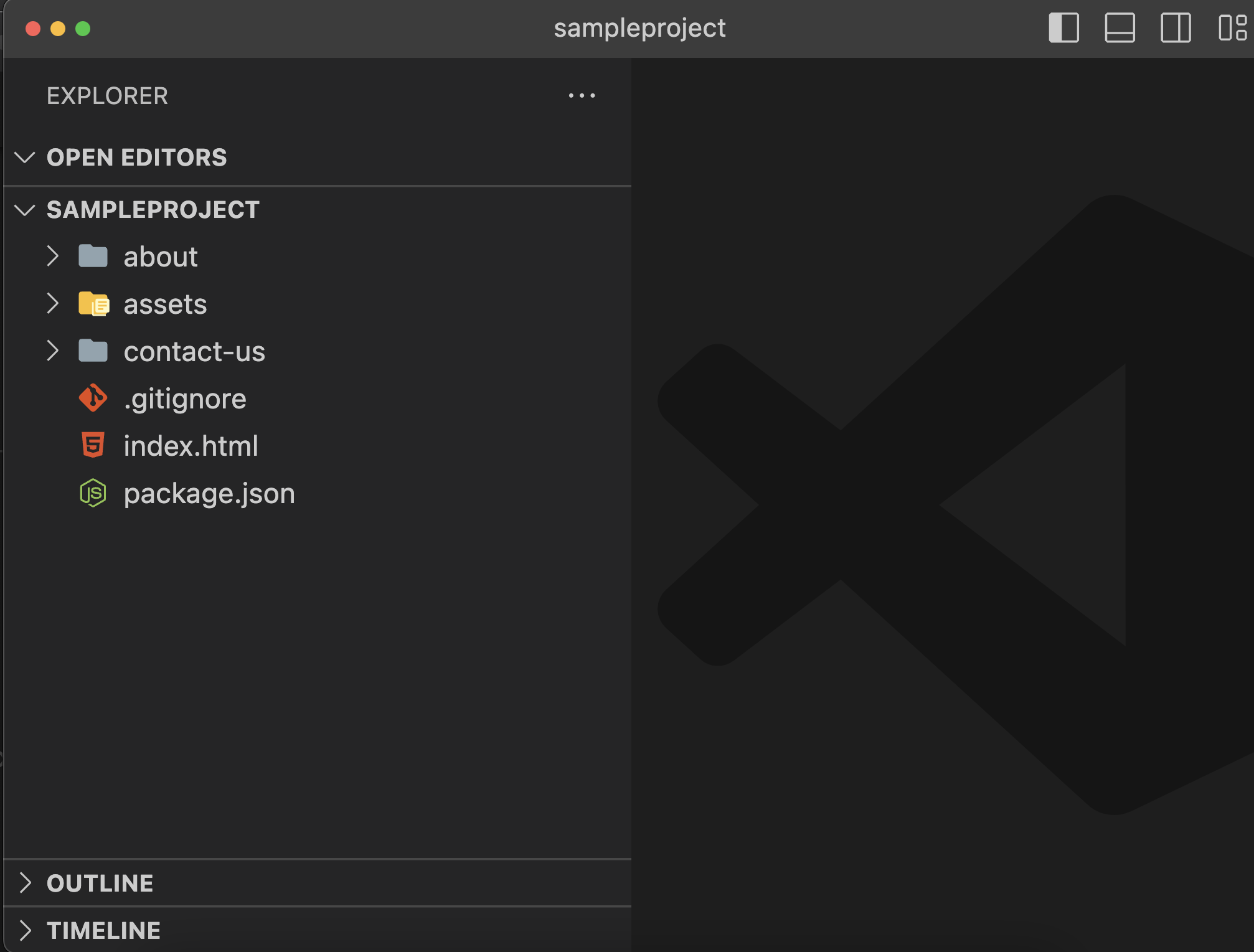
Open the project folder directly in your editor (such as VS Code) to get an immediate tree-view visualization of your file relationships and asset paths.
3. Root Files: index.html and .gitignore
Place your primary home page index.html directly in the project root. Along with index.html, always maintain a clean .gitignore file from day one:
# Dependenciesnode_modules/
# OS metadata.DS_StoreThumbs.db
# Environment variables.env.env.local
# Editor directories.vscode/.idea/
4. Avoid Unnecessary src/ Bundler Folders in Pure Static Sites
In pure static sites that do not use Webpack, Vite, or a bundler build pipeline, skip creating a top-level src/ wrapper folder. Keeping files at root allows web servers like Nginx, Apache, or GitHub Pages to serve content directly without a build step.
5. Dedicated assets/ Directory
Group all shared resources inside a central assets/ folder:
6. Partition Assets by File Type
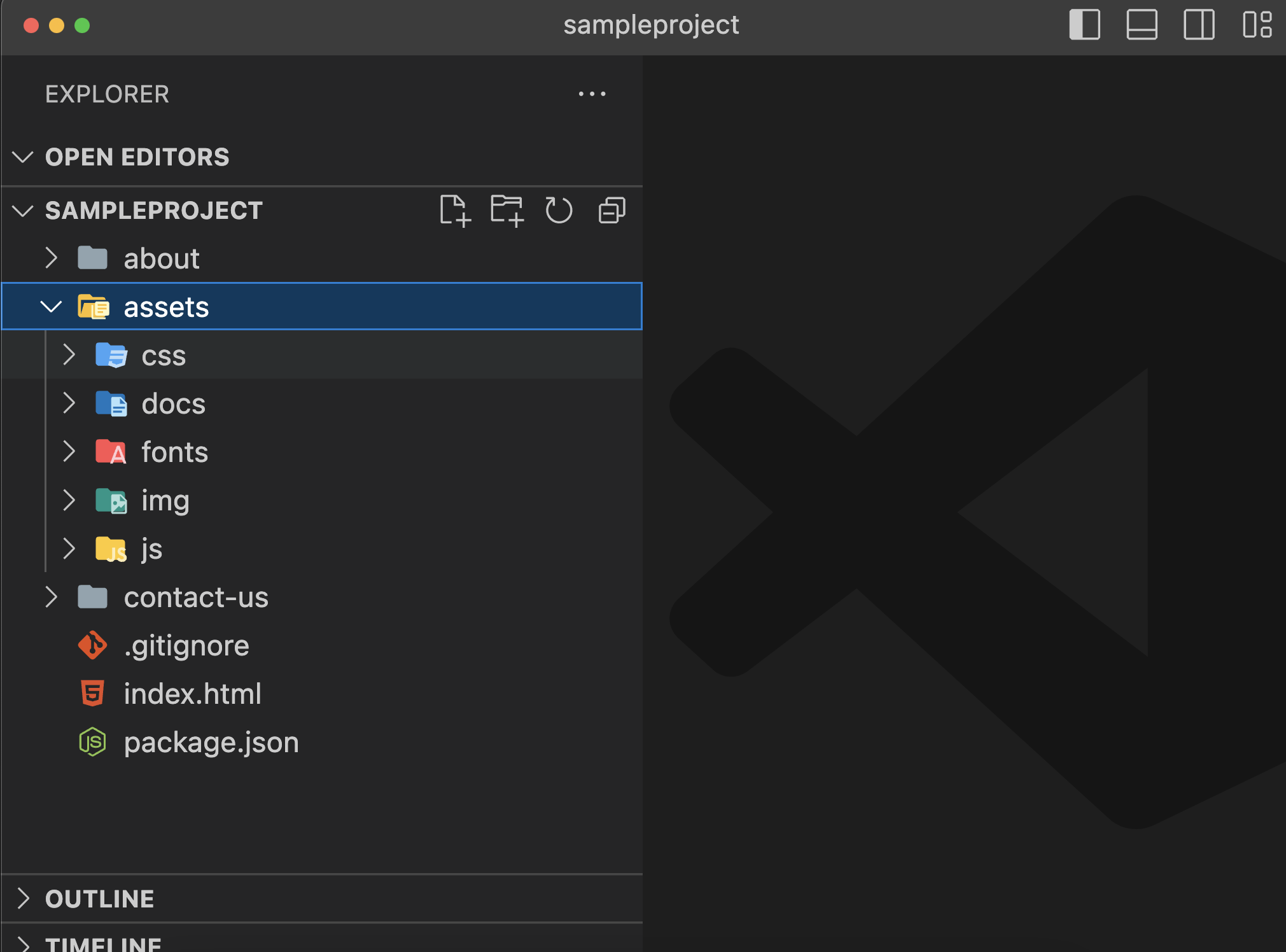
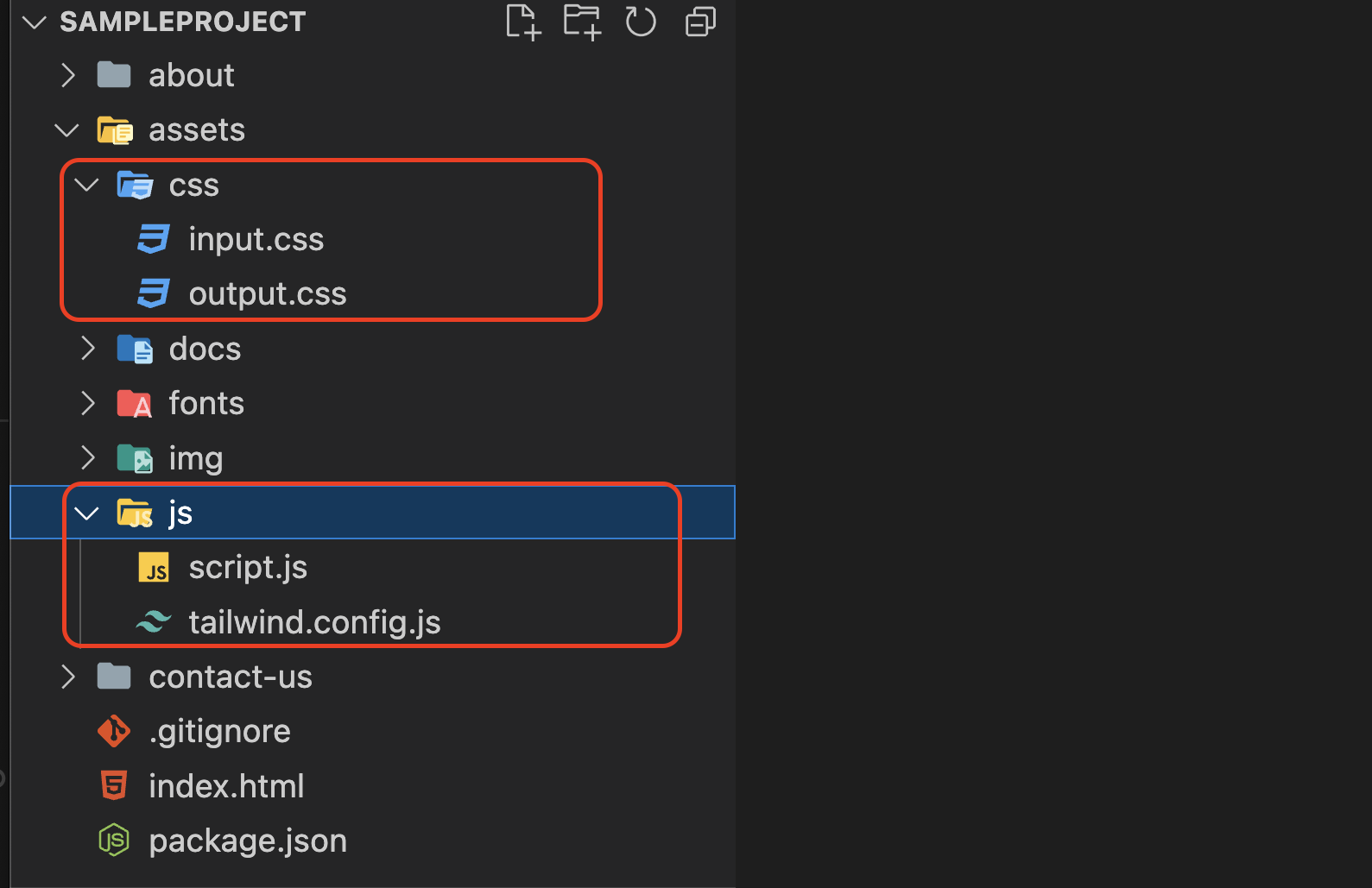
Inside assets/, create separate subdirectories for each file type:
css/— Global stylesheets, reset files, and vendor CSS.js/— Scripts, modules, and utility functions.imgs/— Raster images (WebP, PNG, JPG) and SVG graphics.docs/— Downloadable media such as PDFs or documents.fonts/— Web fonts (.woff2,.ttf).
7. Folder-Per-Page for Clean, SEO-Friendly URLs
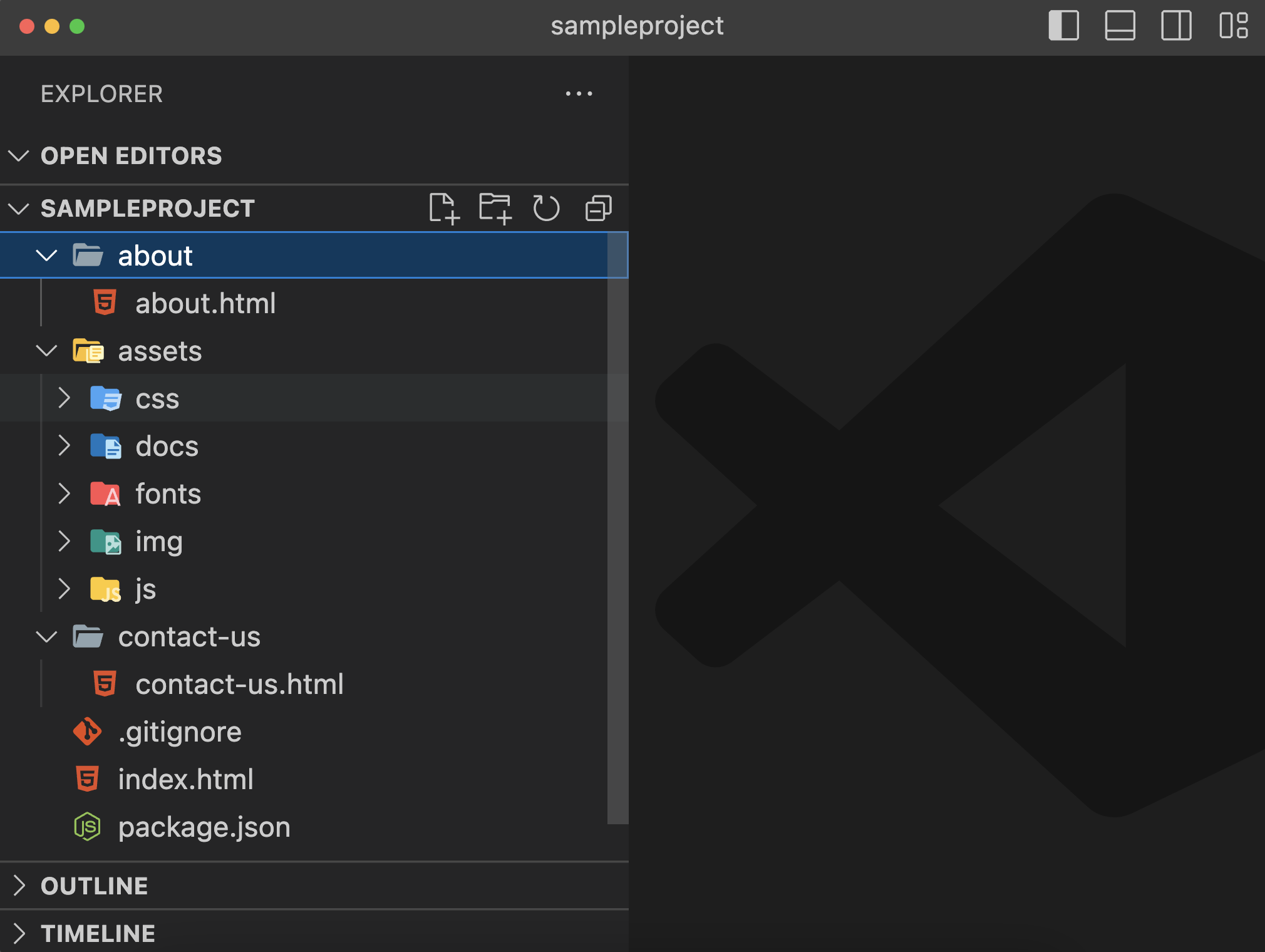
Instead of saving pages with file extensions (e.g., about.html, contact.html), create a dedicated folder for each page and place an index.html inside it:
about/index.html→ accessible as/about/contact/index.html→ accessible as/contact/services/index.html→ accessible as/services/
Benefits:
- Clean URLs: Eliminates ugly
.htmlextensions from your web address. - Better SEO: Canonical URLs look professional and hierarchy-based.
- Portability: Web servers naturally resolve directories to their inner
index.html.
8. Keep Root Clean and Ignore Dependencies
If your project utilizes npm or Tailwind CLI:
- Keep
package.jsonminimal and avoid unnecessary root clutter. - Always include
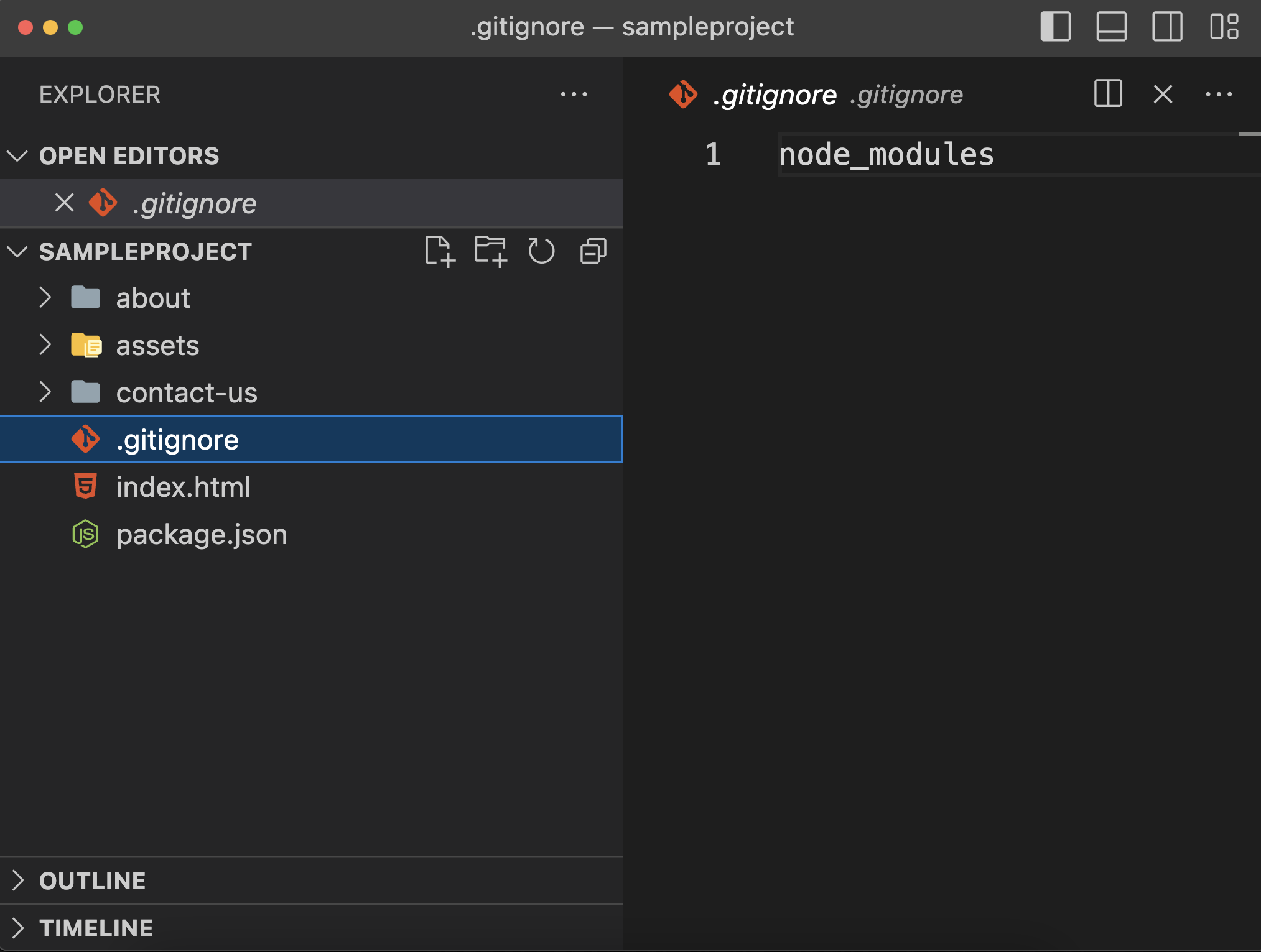
node_modules/in.gitignoreso dependencies never get pushed to version control.
Summary
By maintaining:
- Short, kebab-case directory names,
- An isolated
assets/structure partitioned by type, - A folder-per-page convention for clean
/page/routes, and - A proper
.gitignore,
your static web projects remain clean, easy to scale, and developer-friendly.
Questions or Feedback?
Have questions or an alternative folder structure you prefer? Feel free to reach out via email at kashifwahaj@gmail.com.